

In short
- Any public account can open Insights from its dashboard; posts and stories show profile visits under Profile activity.
- Profile visits counts visits, while profile activity covers a broader set of actions.
- Account Insights supports date ranges within the past 90 days.
- Instagram's help pages document visit counts, not a list of who visited your profile.
In this article
- How to open Instagram Insights
- Choose a time range before comparing visits
- How to check profile activity from a post
- What does a profile visit actually count?
- Can you see who visited your Instagram profile?
- What about third-party profile viewer apps?
- Use profile visits in a simple weekly check
- FAQ
- References
Instagram shows profile visits as a count inside Insights, which any public account can open from its dashboard. 1 The help pages document visits per post and per story, under Profile activity. 2 For the whole account, open Insights, set a date range and look for the Profile visits label. The metric is a count of visits to your profile, not views of your content. 3
How to open Instagram Insights
As of November 2026, Instagram documents this route for professional accounts in its mobile app. 1
- Open your profile using your picture at the bottom right. 1
- Tap Professional dashboard. If it is missing, open More, then Insights under For professionals. 1
- Open an overview metric to inspect its details. Instagram also provides an information icon for metric definitions. 4
Look for the specific Profile visits label when you inspect your numbers. The large Views total is a different metric: Instagram defines Views as plays or displays of content. 4
As of November 2026, Instagram's help pages do not name the exact screen that holds the account-wide visit total, and the layout changes between app versions. Find the label among the overview metrics and confirm it with its definition. If you only need visits from one post or story, the next sections cover the documented route.
You do not necessarily need to change account type: Instagram's current access page also includes public personal accounts, with Your dashboard as their entry point. 1 For the broader overview, see our Instagram Insights guide.
Choose a time range before comparing visits
Account Insights covers dates within the past 90 days. Instagram's date-range instructions include preset windows and a custom calendar selection. 5 Decide which period you want to measure before writing down the total.
On the Insights screen, use the timeframe dropdown. For custom dates, choose the start and end dates, then tap Update. 5 Keep a weekly log with the actual dates, not just a screenshot labeled "recent activity."
Compare equally long periods. A month of visits and a week of visits answer different questions. When comparing posts, also record when each was published so an older post does not get mistaken for a stronger recent result.
How to check profile activity from a post
For an individual post, Instagram documents opening your profile, selecting the post, then tapping View Insights. 6 Use this view when your question is which piece of content encouraged someone to investigate your account.
Instagram defines a post's Profile activity as actions people take on your profile after engaging with that post. It is a broader action category, not another name for the visit count. 6 Read the breakdown offered, rather than treating the category total as visitors.
Stories make that distinction especially clear: Instagram lists profile visits, follows and website clicks as examples of story profile activity. 2 Those actions describe different outcomes. A visit is not automatically a follow or a website click.
Post Insights remains available for up to two years. 6 That is a different reporting window from the account-level date selection. Keep the reporting scope beside your notes: account total, individual post or story. Treat post totals and the account total as separate numbers rather than adding one up to get the other.
What does a profile visit actually count?
Meta defines Instagram Profile Visits as the number of times your Instagram profile was visited. 3 It measures a visit, not whether someone read your bio, liked your offer or became a customer.
A common follow-up is whether repeated visits from the same person count separately. The cited definition does not explain repeat-visit handling or say it counts unique visitors. 3 Read the total as visits, not as a headcount of people.
Instagram separately defines Viewers as unique accounts that saw your content on screen at least once. That is content exposure, not a list of profile visitors. 4 Keep the two questions separate: how many accounts saw content, and how many profile visits were recorded?
If you cannot find the number, check access before assuming the result is zero. Instagram says Insights needs a public account and that past data may be unavailable after recently making an account public. 1 Record a missing metric as unavailable in your log.
Can you see who visited your Instagram profile?
No. Instagram's help pages describe profile visits as aggregate counts and post activity, and none of them documents a way to see which accounts visited your profile, searched for you or came back. 16
A story viewer list is different. Instagram documents seeing usernames of people who viewed a story by opening it and swiping up. 7 That tells you about that story, not whether those accounts opened your profile.
A story view, a like or a follow shows that someone interacted with that content. It does not show who opened your profile, and a rising visit count does not mean one person keeps checking your page.
What about third-party profile viewer apps?
Apps that promise a list of "who viewed my profile" are not describing an Instagram feature: none of Instagram's help pages cited here documents a visitor list that a separate tool could read.
Instagram's security guidance addresses apps offering likes or followers in exchange for login details. It says sharing a password or access token with those apps can give them full account access, including personal messages. 8 That warning describes a security risk, not a documented method for finding profile visitors.
If you shared your Instagram username and password with one of those apps, Instagram recommends changing your password. It also says you can remove connected apps. 8 Use the linked official guidance for recovery rather than giving another service access to investigate the first.
Use profile visits in a simple weekly check
Choose the same weekday to review the last completed week. Keep reach, profile visits, new follows and profile link taps together, using matching dates and the exact metric labels you can see.
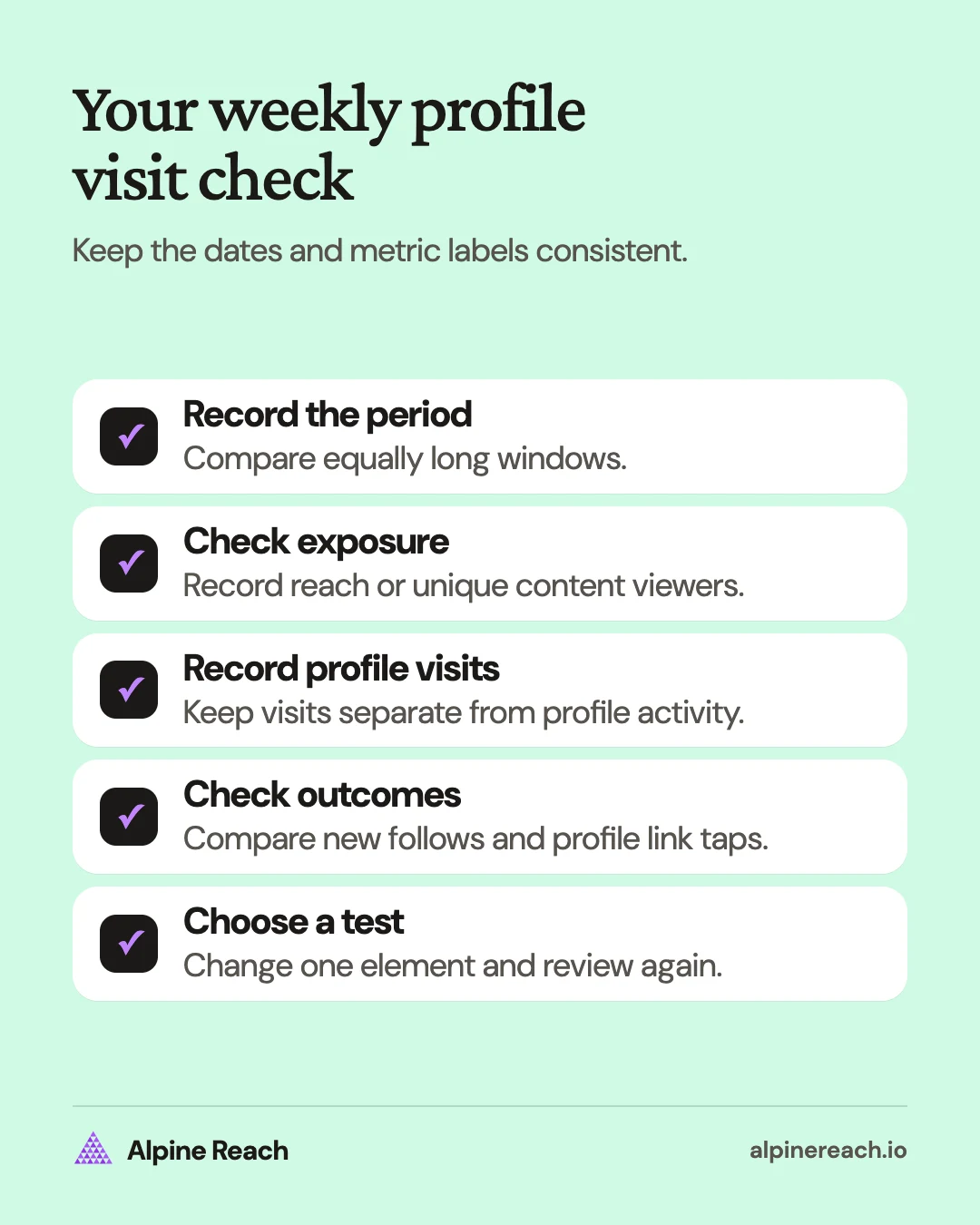
Use this short log:
- Dates and content published: what changed during this period?
- Reach or unique content viewers: did more accounts see your content?
- Profile visits: did visits change along with content exposure?
- New follows: did the account gain the audience you wanted?
- Profile link taps: did interest move toward your destination?
- Next test: what will you change and check again?
For a directional comparison, divide visits by reached accounts. You can also compare new follows or profile link taps with visits. Treat these as your own reporting ratios, not Instagram benchmarks or a tracked sequence completed by the same people. Avoid dividing when the denominator is zero or unavailable.
Say you run a freelance design account. Reach and visits rise after you publish a portfolio breakdown, while follows and profile link taps barely change. Inspect whether your bio explains who you help and whether the link leads to the portfolio you mentioned. Test a clearer description, then review another comparable week.
If reach rises but visits stay flat, review whether the post gives someone a reason to explore your work. If visits and follows rise together, test another post on the same topic before deciding the format always works. Change one element at a time so your notes remain useful.
For choosing outcomes beyond visits, use our social media metrics guide. When you want to assess reactions to the content itself, Instagram engagement rate answers that separate question. Finish your weekly review with a specific next test, not a guess about who looked at your page.
FAQ
Does a higher visit count mean someone keeps checking my profile?
It cannot identify a person or establish how often that person returned. Treat the number as visits and avoid converting it into a count of distinct people.
Should I compare a post's profile activity with my weekly account total?
Keep them in separate columns. One describes actions associated with a particular post; the other describes an account reporting period. Record the scope and dates before comparing.
What should I log when Profile visits is missing?
Use unavailable, rather than zero. Check the official access guidance and keep the rest of your weekly log so a missing field does not become a false result.
General information. Platform features, limits and benchmarks change: check the cited page before you rely on a number.
References
- Instagram. View account and content insights on Instagram. n.d. View source (accessed Nov 10, 2026).
- Instagram. View insights on your Instagram Stories. n.d. View source (accessed Nov 10, 2026).
- Meta. Instagram Profile Visits. n.d. View source (accessed Nov 10, 2026).
- Instagram. About Instagram insights. n.d. View source (accessed Nov 10, 2026).
- Instagram. Select a date range for your account insights on Instagram. n.d. View source (accessed Nov 10, 2026).
- Instagram. View insights on your Instagram posts. n.d. View source (accessed Nov 10, 2026).
- Instagram. How to tell who's seen your Instagram story. n.d. View source (accessed Nov 10, 2026).
- Instagram. Why you should not use apps that offer likes and followers on Instagram. n.d. View source (accessed Nov 10, 2026).