

In short
- Balance promotion with education, proof, and behind-the-scenes posts.
- Use a specific question to start a useful conversation.
- Turn local announcements into clear updates with the details a visitor needs.
In this article
Good social media post ideas for a small business on Instagram, Facebook, or TikTok answer a customer question, show what you sell, or make the next step clear. Use the ideas below to choose a post for a specific goal, then add details from your own business.
Build trust by answering practical questions
Constant Contact's small-business guide sorts posts into four groups (promotion, education, proof such as reviews, and behind the scenes) and advises keeping promotion balanced with the other three.1 The examples here are hypothetical prompts, not reports of business results.
Start with a question you already answer in person, by email, or during a sales conversation. Show the relevant object or step rather than writing a general statement about quality.
- Explain a quality check. A bakery photographs a loaf's interior and explains what its baker checks before putting that batch on the shelf.
- Clarify what is included. A bookkeeper shows an invented monthly handoff checklist and distinguishes routine reporting from optional project work.
- Answer a preparation question. A dog groomer posts a booking-preparation checklist explaining what owners should bring and which questions to discuss beforehand.
- Show a limit honestly. A ceramic shop explains which pieces are decorative and points buyers to the care instructions for each item.
- Explain a choice in your process. A clothing-repair shop shows why it matches a replacement zipper to the garment's construction before starting work.
Use your own materials and work. If an example requires information you cannot verify, choose a different prompt. You do not need a testimonial or a customer story to explain how you work.
If a customer has already left a public review, you can share it with their permission and explain what the reviewer bought. Ask before you quote anyone.
Help people understand the product or service
Choose a product post when someone understands the problem but needs help deciding what fits. Include the relevant use, what is included, and how to ask a follow-up question.
- Show a product in context. A stationery shop photographs a desk pad beside a notebook so buyers can judge how it fits into a workspace.
- Compare options by use. A florist compares compact and wide arrangements using its own sample bouquets and explains where each would fit.
- Demonstrate the first step. A software freelancer records a sample onboarding screen with invented data and shows what a new user would do first.
- Explain how ordering works. A custom-print shop shows the path from submitting artwork to approving a proof and choosing a pickup method.
- Name who an offer suits. A home-organization service explains which rooms its introductory visit covers and invites readers to check their needs before booking.
Keep the example specific to what you actually sell. If a product is unavailable or a package has changed, update the post before using it again. Avoid creating urgency unless the deadline or availability is real.
Start a useful community conversation
Ask a question you can respond to, then use the answers to make the next explanation more useful. Constant Contact's guide recommends questions and audience participation as conversation starters.1
- Ask about a real decision. A coffee shop shows its takeout cup and reusable mug and asks which part of ordering ahead customers want explained.
- Invite the next tutorial topic. A bicycle-repair shop asks whether readers want a walkthrough of booking a service or collecting a repaired bike.
- Ask about an everyday use. A yarn shop shows a sample project and asks what readers would want to know before choosing materials for it.
- Share a team preference. A bookstore employee selects a book from the current shelf and explains who might enjoy it, then invites other recommendations.
- Correct a common misconception. A plant shop explains why a plant labeled “low light” still needs some daylight, using its own care cards.
Avoid questions that imply a business decision has already been made when it has not. If you ask readers to choose between possible services, explain whether you are gathering ideas or announcing something available.
When comments arrive, reply to the substance. Keep private order details out of public replies and move account-specific conversations to your normal support channel.
If you run a giveaway on Instagram, you are responsible for the official rules and legal compliance, and Instagram's promotion guidelines require each entry to include a release of Instagram and a statement that Instagram does not sponsor the promotion.2
Make local visits easier
For a local post, include what is happening, where it happens, and what a visitor needs to do. Google Business Profile also supports announcements, offers, and event details on Search and Maps.3 If you adapt a social post for your profile, check that the dates and destination match.
- Show the entrance. A studio photographs its actual doorway and explains how first-time visitors can find the correct entrance from the street.
- Explain pickup. A bakery shows the pickup counter and describes where customers should wait when collecting an order.
- Announce an event clearly. A craft shop introduces a planned workshop with the confirmed location, date, booking instructions, and what participants should bring.
- Introduce a neighboring business. An independent grocer photographs an agreed collaboration display and explains which items come from the participating local maker.
- Explain a temporary change. A repair shop posts a clear update about a confirmed entrance change and shows the route visitors should use.
Treat useful local information as the point of the post. A beautiful photograph of a storefront cannot replace the address or pickup instructions someone needs. Check details with a partner before describing a joint activity.
Show the work behind the finished result
Choose a process post when a reader would benefit from seeing how something gets made, prepared, or checked. Film a contained task you can explain without exposing personal information or interrupting important work.
- Show an opening routine. A coffee shop records the counter being prepared before opening and explains what is ready before the first order.
- Explain a material choice. A soap maker shows its packaging options and describes the practical reason for the option it currently uses.
- Show a prototype decision. A furniture maker compares its own sample joints and explains the design choice for a particular piece.
- Walk through packing. A ceramics shop films protective wrapping around a sample mug and explains how the item is prepared for collection.
- Explain why you started. A soap maker shows its first test batch and explains the problem it wanted to solve.
Each example should reveal a decision or answer a question. A time-lapse with no explanation may look interesting, but add the context that makes your particular process understandable.
For ways to group these ideas into recurring subjects, use the content pillar examples. For a broader research method, use the guide to finding content ideas.
Choose the next post and make it concrete
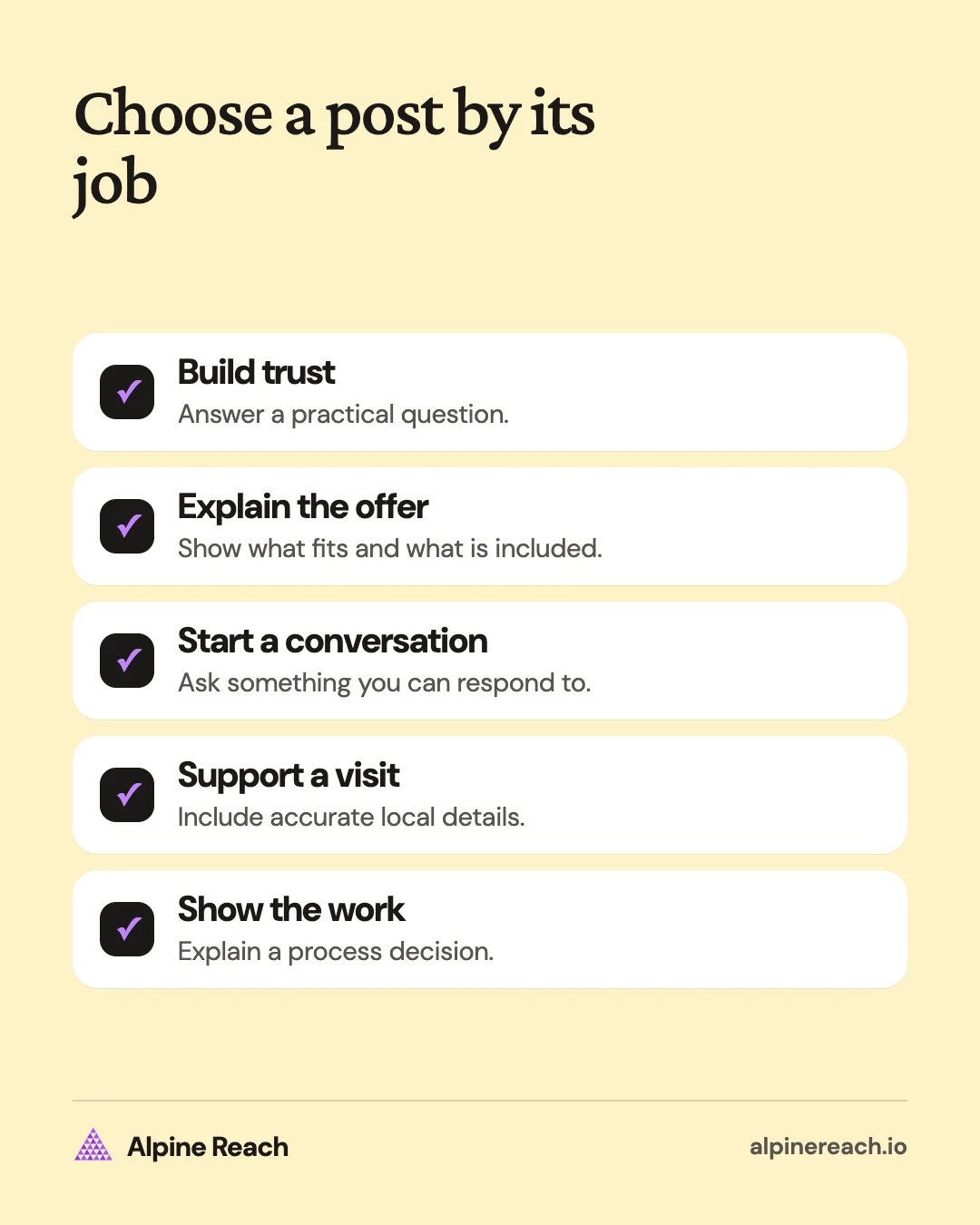
Pick an idea by its job: reduce uncertainty, explain a product, gather a useful answer, support a visit, or show your work. Draft the answer before choosing effects or a visual style.
Use this fill-in template:
Question: What does a customer need to understand?
Opening: Name that question or show the relevant object.
Body: Give the answer, then show the detail that supports it.
Next step: Ask a relevant question or explain how to take the action.
For a custom-print shop: “What happens after you send your artwork? We prepare a proof for you to check before production. Here is a sample proof with invented details. Review the wording and layout, then tell us what needs changing.”
That draft can become a photo caption or a short walkthrough. Use the format you can make clearly with the material available. To adapt an existing explanation for a different channel, follow the content repurposing workflow.
Review the response by goal
Group comparable posts before looking for a pattern. YouTube's creator guidance recommends grouping content and checking whether an unusually popular video is skewing the average.4 For a small-business account, you can use a simple note to apply the same review method.
Record the question, the format, the intended action, and what happened. A product inquiry, an event booking, and a friendly comment mean different things. Keep them separate.
If a pickup explanation produces more questions about finding the counter, make the route clearer next time. If a product post gets attention but no relevant inquiries, examine what information a buyer still needs. Choose the next post from that evidence rather than starting the list over at random.
FAQ
What can a small business post without customer photos?
Use your own workspace, products, demonstrations, and answers to common questions. A service business can explain its process with an invented example clearly labeled as a sample.
How do I choose an idea when I only have time for one post?
Pick the question that currently blocks a customer decision. Show the answer with material you already have, and give the reader a clear next step.
Can I use these ideas for an online service business?
Yes. Replace store visits with the steps involved in hiring or using your service. A booking explanation, preparation checklist, or sample deliverable can serve the same purpose as a product demonstration.
General information. Platform features, limits and benchmarks change: check the cited page before you rely on a number.
References
- Constant Contact. 38 Social Media Post Ideas for Small Businesses. 2026. View source (accessed Nov 10, 2026).
- Instagram. Promotion Guidelines. n.d. View source (accessed Nov 10, 2026).
- Google. Create & manage posts on your Business Profile. n.d. View source (accessed Nov 10, 2026).
- YouTube. Tips to learn what content to create. n.d. View source (accessed Nov 10, 2026).