

In short
- LinkedIn recommends a professional photo, a headline that promotes your expertise, and an About section on your mission, motivation, and skills.
- LinkedIn suggests replying to comments with thanks, answers, and follow-up questions.
- Combined post analytics includes impressions, engagements, distinct viewers, and an export.
In this article
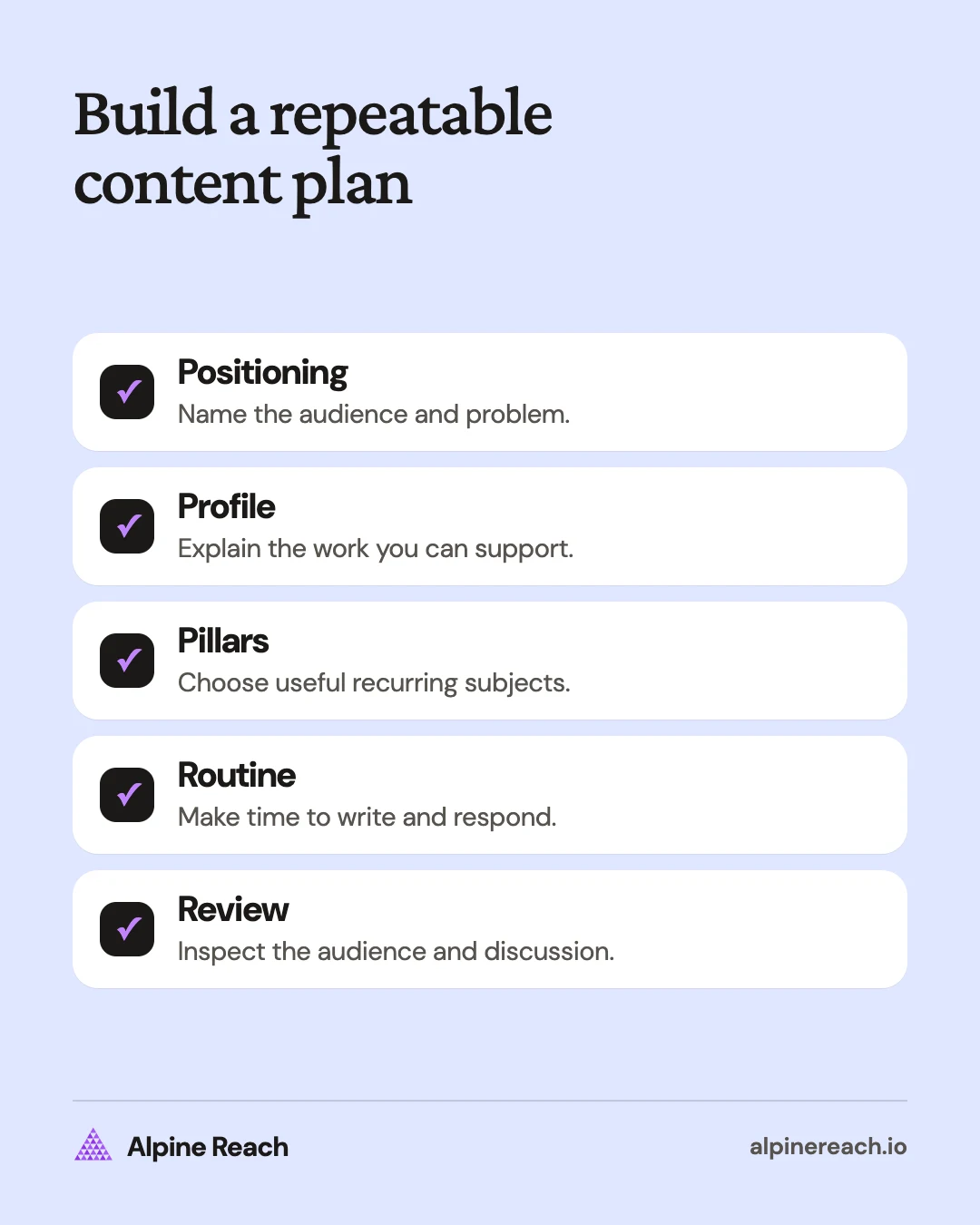
Build a LinkedIn content strategy by choosing who you help, the work you want to be known for, and recurring topics you can explain credibly. Support that positioning with a clear profile, a manageable publishing routine, useful conversations, and a review of what your audience actually responds to.
Write a positioning statement you can support
Start with a concrete audience and problem. A personal brand is the professional understanding you want people to have of your work. Your strategy should give you a repeatable way to demonstrate that understanding.
Use this positioning template in your planning notes:
I help [specific audience] understand or do [specific task] through [approach or expertise]. I write about [recurring subjects] using [evidence I can share].
A freelance writer might use: “I help small software teams explain complicated workflows. I write about interviews, content briefs, and editing, using labeled practice examples and original templates.”
A founder might use: “I write for small teams choosing project software. I explain product decisions, customer research methods, and the tradeoffs behind simple workflows.”
These are planning examples, not claims about a real business. Replace broad labels such as “innovation” with the questions you are prepared to answer. Keep promises within what you can actually show.
Choose a goal that matches your stage. You may want relevant peers to discuss your ideas, collaborators to understand your skills, or prospective buyers to recognize the problem you work on. Record what would count as useful evidence of progress before deciding how much to publish.
Make your profile match your content
LinkedIn recommends a professional photo, a headline that communicates expertise, and an About section expressing your mission, motivation, and skills. Its profile guidance also recommends relevant experience and skills.1
It also suggests adding media samples that give quick access to your work and requesting recommendations from connections.1
Treat these as parts of a consistent explanation. A reader who opens your profile after a post should be able to understand why you discuss that subject.
| Profile element | What to make clear | Example |
|---|---|---|
| Headline | Your work and area of focus | “Freelance writer focused on software tutorials and customer interviews” |
| About | Who you work with, what you do, and how you approach it | “I turn interviews and product research into clear explanations for small software teams.” |
| Experience | Relevant responsibilities and work | Describe the actual tasks you performed and your role in shared projects. |
| Skills | Abilities relevant to the work you want | Include skills you can demonstrate through your work. |
| Work samples | Material that supports the explanation | Show an original template or a clearly labeled practice project. |
Review the profile from the perspective of someone unfamiliar with your job title. Replace an unexplained acronym with the task it represents. Remove stale language that points toward work you no longer want to emphasize.
Use truthful, specific descriptions. A practice project can show care and reasoning without being presented as paid professional experience. Label practice work as practice wherever you share it.
Choose three content pillars
A content pillar is a recurring subject that helps you decide what belongs in your plan. Use three as a planning starting point, not as a platform requirement or a claim about an optimal number.
For the hypothetical freelance writer above, the pillars could be:
| Pillar | Reader question | An example post | Evidence to prepare |
|---|---|---|---|
| Research | How do I get useful information before writing? | Explain how to prepare an interview question. | An original question template |
| Structure | How do I turn notes into a useful explanation? | Annotate an invented tutorial outline. | A clearly labeled sample outline |
| Editing | How do I make a draft easier to use? | Compare vague and specific instructions in a practice text. | An original editing exercise |
The pillars relate to the same positioning while answering different questions. A founder could use problem discovery, product decisions, and team workflows instead. Keep the audience stable enough that the subjects belong together.
Test each pillar before committing to it. Can you name several useful questions? Can you explain your answer without borrowing someone else's authority? Can you provide an example you are allowed to share? If a category only produces slogans, narrow it to an actual task.
Use the LinkedIn post idea list for different angles within a pillar. Use the writing guide to turn the chosen question into a complete post.
Set a cadence that leaves room for conversation
Start with a routine that you can sustain alongside your actual work. LinkedIn's writing guide suggests starting with one post per week and increasing until you find a cadence that suits you and your connections.2 For example, start with one practical explanation a week, and add an original sample once that routine feels manageable.
| Planning moment | Action | Output |
|---|---|---|
| Collect | Save questions from work and public discussions. | An idea with the audience's problem attached |
| Select | Choose a pillar and check available evidence. | A clear purpose for the next post |
| Draft | Write the explanation and prepare any sample. | A draft with a useful example |
| Review | Check facts, wording, privacy, and the opening. | Material ready for your own publishing decision |
| Discuss | Answer substantive replies and record new questions. | Useful follow-up topics |
Batch preparation when it helps, but leave space to respond to something timely. A relevant question from your audience may deserve the next post more than an older item on the calendar.
If the routine becomes difficult, simplify the production format before adding more scheduled work. A clear text explanation may suit the lesson. Reserve a document carousel for material whose sequence benefits from pages.
For timing, use the LinkedIn posting-time comparison to choose a window you can test and support with replies.
A one-page strategy template
| Field | Your answer |
|---|---|
| Audience | Who you help, in one line |
| Problem | The task or decision you help with |
| Goal | What useful progress looks like this quarter |
| Pillars | Three recurring subjects |
| Routine | Posts per week and time for replies |
| Review | Date and the evidence you will check |
Treat comments and replies as part of the work
LinkedIn's own guide to writing posts treats replies as part of posting: it suggests thanking people, answering questions, and asking for more detail, and engaging with other people's posts a few times each week.2 Its guidance for Pages adds a useful limit: discuss topics you can address with authority and credibility.3 None of this is a promise of more reach.
Read the question before replying. If someone asks how the advice applies to a different situation, explain which condition changes. If they disagree, identify the actual difference in assumptions. A useful reply can acknowledge an exception without abandoning the original point.
Here are reply patterns you can adapt:
- Clarify: “Do you mean feedback before the first draft or during final review? I would handle those differently.”
- Add a condition: “This checklist assumes the project goal is settled. If the goal is still disputed, I would resolve that first.”
- Invite detail: “Which part of the handoff is hardest for the next person to follow?”
- Correct: “That wording was too broad. The example applies to a routine update, not a sensitive announcement.”
Contribute to other people's discussions when you have a specific example, question, or clarification to add. Keep the comment relevant to their topic. A reply does not need to become an unsolicited sales approach.
Measure audience fit and decide what to change
LinkedIn's combined post analytics offers a date-range view, sorting by impressions or engagements, and an XLSX export. It defines impressions as screen displays, members reached as distinct viewers, and engagements as interactions including reactions, comments, saves, sends, and reposts.4
Use those measures alongside your goal. Impressions tell you about display volume. Reach helps distinguish unique viewers from repeat exposure. Read the comments yourself to judge whether the discussion involves the problem and audience you intended.
| Question | Evidence to inspect | Possible adjustment |
|---|---|---|
| Are readers asking about the intended subject? | Comment topics and follow-up questions | Clarify the positioning or opening. |
| Do people need more detail? | Repeated requests for steps or examples | Publish an explanation that fills the gap. |
| Does a pillar support useful posts repeatedly? | Several posts and the discussions around them | Keep it, narrow it, or replace it. |
| Is the routine manageable? | Drafting time and unanswered discussion | Reduce production effort or adjust cadence. |
Compare several posts within a pillar before changing direction. Record the topic, format, purpose, response, and what you would change next time. A large reaction count is a different observation from a relevant professional conversation; evaluate each against your chosen goal.
Use the LinkedIn analytics guide when you need help interpreting the interface. Keep the next change specific: improve a confusing explanation, test a different example, or make the profile's focus clearer. Then review whether the new version answers the reader's question better.
FAQ
How can I create a LinkedIn content strategy without a large audience?
Define the reader and problem first. Start with useful explanations and original samples, then review the questions people ask before expanding the plan.
Do I need three content pillars?
Three is a planning starting point in this guide. Choose recurring subjects that support the same positioning and give you enough useful questions to answer.
How should I measure replies?
Read the comments for relevance, questions, and useful discussion. Compare that qualitative evidence with analytics rather than treating every interaction as the same outcome.
General information. Platform features, limits and benchmarks change: check the cited page before you rely on a number.
References
- LinkedIn Help. Create a good LinkedIn profile. n.d. View source (accessed Nov 10, 2026).
- LinkedIn. How to Write an Engaging Post in Your LinkedIn Feed. 2024. View source (accessed Nov 10, 2026).
- LinkedIn. Something to Talk About: How to Encourage Community Content. 2023. View source (accessed Nov 10, 2026).
- LinkedIn Help. Combined post analytics. n.d. View source (accessed Nov 10, 2026).