
In short
- A carousel combines multiple photos or videos in a swipeable post.
- Instagram describes Reels as short videos you create, edit, and share with your followers.
- Stories normally disappear after 24 hours unless saved as Highlights.
In this article
Post something that helps a specific person understand a problem, see your work, or decide what to do next. Choose a feed photo for a clear visual, a carousel for a sequence, a Reel for a demonstration, and Stories for a timely update. Start with the reader's question, then choose the format that explains your answer most clearly.
Choose the job before the format
Write down the question your next post will answer. For a ceramic mug shop, that could be “How big is this mug?”, “How do I care for it?”, or “When can I order it?” Those questions lead to different posts even though the product stays the same.
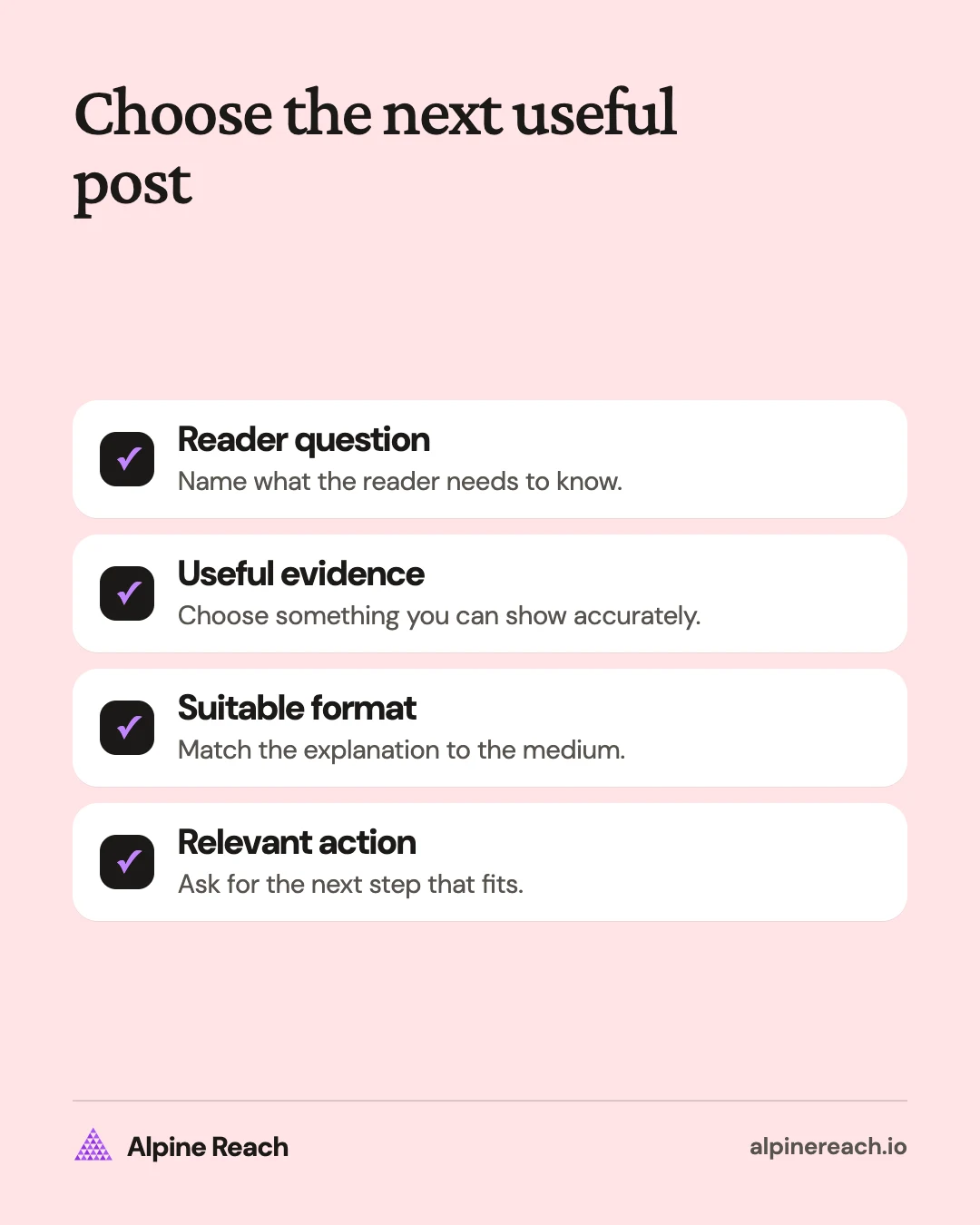
Use these goals to narrow your idea:
| Your goal | What to show | Example | What to look for afterward |
|---|---|---|---|
| Introduce your work | A useful demonstration | A photographer shows how to soften window light | Interest from people who did not know your work |
| Teach a skill | Instructions someone can use | A designer explains how to organize a portfolio | Saves and follow-up questions |
| Explain your process | A choice and its reason | A potter compares glaze samples | Questions about the material or process |
| Start a conversation | A specific choice | A bakery asks which seasonal filling to test | Relevant replies |
| Explain an offer | What it includes and who it serves | A freelancer outlines a website review | Inquiries about that offer |
These are planning suggestions, not predictions about which format gets the most attention. Pick the result that matters before drafting. A post explaining an offer should be useful even if it gets fewer likes than a casual photo.
Feed photo ideas: make one thing clear
Use a single photo when the subject can carry the point without a sequence. Instagram keeps photos at up to 1080 pixels wide with aspect ratios between 1.91:1 and 3:4, and crops other shapes. 1
Try these ideas:
- Show a product in context. A mug beside a notebook explains scale better than an isolated product cutout.
- Explain a material. Photograph a linen swatch and describe why you chose that fabric for a particular use.
- Show a finished piece. Pair a print with the short brief you set for yourself, without inventing a buyer or a result.
- Introduce a useful tool. Photograph the clamp that holds your filming setup and explain the problem it solves.
- Share a current offer. Show the item or service deliverable and state what is included, availability, and the next action.
For example, suppose you sell handmade notebooks. Photograph the notebook open beside a pen and write: “This spread has room for meeting notes and a separate task list. Which section would you use first?” The photo answers what it looks like; the caption explains how someone could use it.
Avoid making a generic quote your default answer to an empty calendar. Try showing the actual object, decision, or process behind the idea instead.
Carousel ideas: explain a sequence or comparison
A carousel is a swipeable post containing up to 20 photos or videos, as Instagram's help page explains. 2 Use it when the order adds meaning: a tutorial, a comparison, or a question followed by an explanation.
Try these sequences:
- A checklist: what to prepare before recording a product demo.
- A comparison: lined, dotted, and blank notebook pages, each shown in use.
- A process: a sketch, a material test, and the finished object.
- An answer to a recurring question: what a website review includes and what it does not cover.
- A decision guide: how to choose between a downloadable template and a custom service.
Say you are a freelance illustrator. Open with “What to include in an illustration brief,” then explain intended use, subject, reference material, and delivery needs. End with a short checklist someone can use before contacting an illustrator.
Keep each slide focused. If a slide needs a long paragraph to explain itself, move the detail into the caption or simplify the idea. Our Instagram carousel tutorial covers the app steps, sizes, and a seamless layout method.
Reel ideas: show something happening
Instagram's help center describes Reels as a way to create and edit short videos to share with your followers. 3 Choose a Reel when movement, sound, or a visible change helps explain your point. The reason to use video should be apparent in what you show.
Try these demonstrations:
- Show a task: fold packaging, set up a light, or prepare a workstation.
- Compare methods: film the same subject with two lighting setups and explain the difference you can see.
- Answer a question aloud: explain how you choose a material while showing it.
- Document a test: demonstrate the test conditions and show what happened, without implying a broader result.
- Explain a mistake: recreate a setup problem with your own materials, then show the adjustment.
For example, a home-office creator could show a desk lamp reflecting in a monitor, move the lamp, and show the screen again. The viewer can see the issue and the adjustment without needing a long introduction.
Write the explanation before filming. Plan the opening shot, the action, and the final view. Add readable text for the essential instruction, and check that the video still makes sense when you watch it without sound.
If you want to try a new kind of Reel before your followers see it, Instagram offers trial reels: only you can see that a reel is a trial, and trial reels don't appear publicly on your profile.4
Story ideas: share something timely
Stories normally disappear after 24 hours unless added to Highlights, according to Instagram's help page. 5 Use that temporary format for updates whose value depends on the moment, rather than hiding essential evergreen information there alone.
Try these updates:
- Show the material you are working with today and explain your next decision.
- Ask which part of a process needs a fuller tutorial.
- Remind people about a real order deadline and state the time zone.
- Answer a question prompted by your latest post.
- Show a detail that did not fit into the finished tutorial.
Say you run a small bakery. Show the dough you are testing, explain the filling options, and invite a reply about which combination sounds appealing. Keep the question narrow enough that someone can answer without writing an essay.
If an answer will remain useful, turn it into a feed post later. That also gives you a reason to revisit the subject with a clearer explanation.
Turn a useful question into a repeatable plan
Start a note with actual questions from comments, inquiries, conversations, or your own work. Keep people's private information out of your drafts. Beside each question, record the evidence you can show and the action you want a reader to take.
For a stationery maker, “How do I choose paper?” could become a photo of paper texture, a carousel comparing uses, a video showing ink on the page, or a Story about a current sample. Choose the version you can make useful today. You do not need to publish every version.
Draft the explanation in plain language, then use our Instagram caption ideas to choose an opening and an appropriate ask. If you need a recurring topic structure, content pillar examples can help organize the questions.
Set a manageable Instagram posting cadence, then test your best posting times. Those decisions belong after you have a useful post to publish.
Check what the post helped people do
Read the replies before deciding what to make next. Did readers understand the explanation? Did they ask about an omitted detail? Did the post attract inquiries about the actual offer, or general reactions unrelated to your work?
Compare posts with the same purpose. A process demonstration and a deadline reminder do different jobs. Keep notes on the question, format, response, and what you would clarify next time.
When an idea earns useful questions, answer those questions in your next post. When it earns confusion, revise the explanation. Return to the Instagram topic page when you need a specific writing, timing, or format guide.
FAQ
What should my first business Instagram post explain?
Introduce what you make or do, who it is for, and one useful detail a prospective buyer would want to know. Use an example only as a structure, then replace it with your own facts.
What can I post if I do not want to appear on camera?
Try product photos, a comparison carousel, or a demonstration focused on your hands and materials. Choose a subject you can explain accurately with the assets you have.
Should every post promote an offer?
Give each post a clear job. Some explain your offer; others answer questions, demonstrate a process, or help readers make a choice. Choose the mix from the questions your audience actually asks.
General information. Platform features, limits and benchmarks change: check the cited page before you rely on a number.
References
- Instagram Help Center. Image resolution of photos you share on Instagram. n.d. View source (accessed Nov 10, 2026).
- Instagram Help Center. Share a post with multiple photos or videos on Instagram. n.d. View source (accessed Nov 10, 2026).
- Instagram Help Center. Reels. n.d. View source (accessed Nov 10, 2026).
- Instagram for Creators. Level Up with Instagram Reels. n.d. View source (accessed Nov 10, 2026).
- Instagram Help Center. Stories. n.d. View source (accessed Nov 10, 2026).