In short
- Instagram supports Reel replies to comments on public Reels, with the comment shown as a sticker.
- Instagram restricts its licensed music library for some business accounts and post types; it is intended for personal, non-commercial use.
- On a public account, open your own Reel from your profile's Reels tab to view insights, including views, watch time, average watch time, and follows.
In this article
For Instagram Reels ideas you can film this week, start with something you can show: a useful step, a work decision, a visible change, or an answer. Below are 28 ideas grouped by goal, each with a filming plan, an opening line, and an on-screen cue you can adapt. Choose one you have the materials to make today.
All businesses, hooks, and scenarios below are made-up examples. Replace them with your own work and accurate details. If you are still choosing between video and other formats, start with what to post on Instagram.
Teach something or show the process
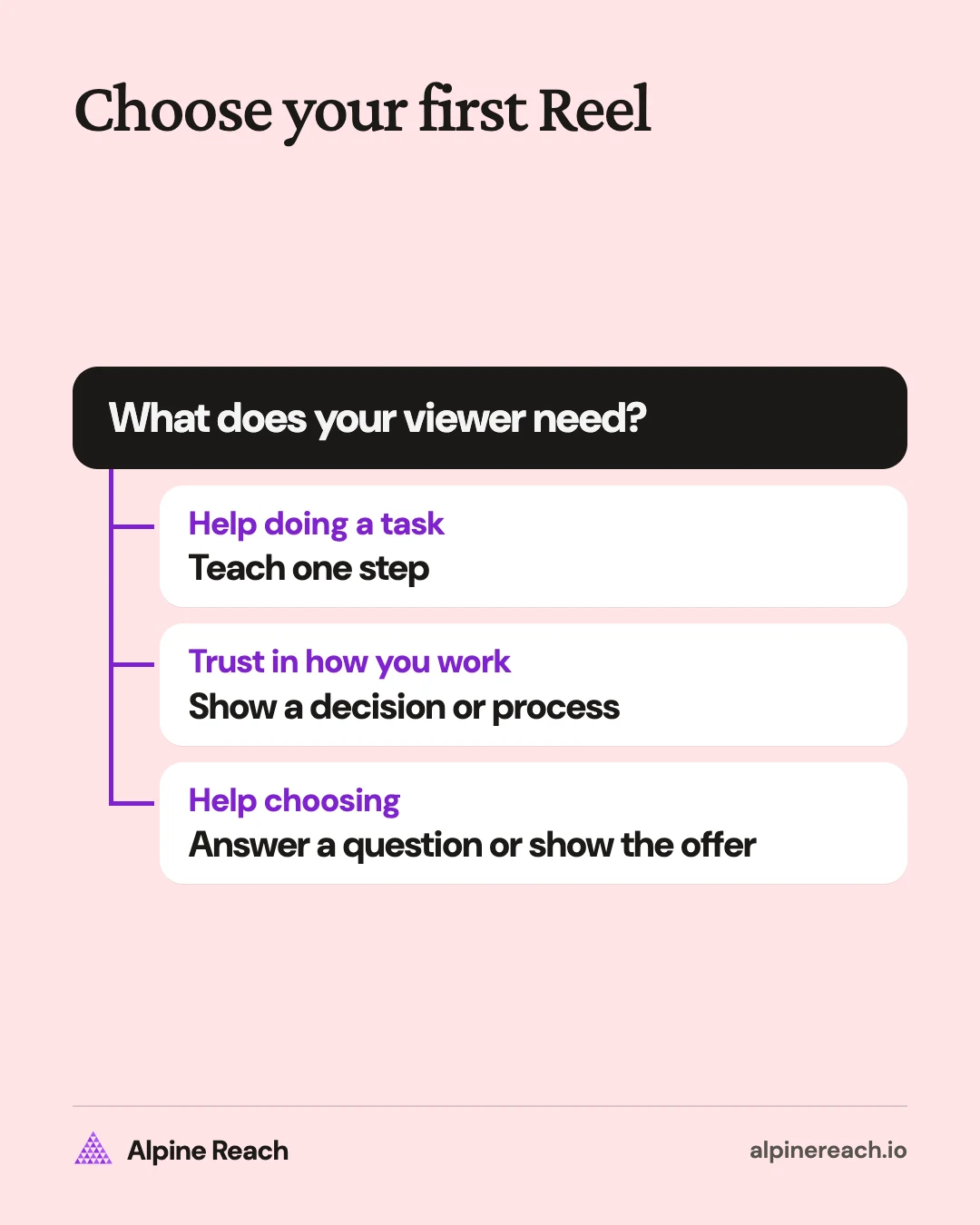
Choose teaching when the viewer needs to do a task. Choose behind the scenes when you want to explain how you work or why you make a particular choice. Start with the materials already on your desk, shelf, or workbench.
Teach something useful
-
Fix a crowded flyer. Film: a freelance designer removes competing headings from a self-made sample. Hook: “Which line should you read first?” On screen: the original layout, the edit, and the label “One main heading.”
-
Demonstrate a product detail. Film: a bag maker opens the pockets and puts everyday items inside. Hook: “Here is what fits in this pocket.” On screen: each item going in, then the closed bag, with the items named.
-
Teach a preparation step. Film: a photographer arranges a product beside a window before taking a picture. Hook: “Before you take the photo, check this angle.” On screen: the setup and the resulting sample, with an arrow marking the light source.
-
Show how to use what you sell. Film: a planner shop fills out a blank weekly page using a sample schedule. Hook: “An empty planner page? Start here.” On screen: the page as tasks are added, with labels for appointments and flexible tasks.
Show the process or behind the scenes
-
Explain a revision. Film: an illustrator flips between a rough sketch and a revised composition. Hook: “This is the part I changed before coloring.” On screen: the changed area circled and a brief reason for the decision.
-
Show a quality check. Film: a ceramic maker inspects a mug before packing it. Hook: “What I check before this leaves the studio.” On screen: close-ups of the rim, base, and handle, labeled with what is being checked.
-
Make the handoff visible. Film: a freelance editor organizes a sample project's delivery folder. Hook: “The edit is done. Here is the handoff.” On screen: fictional filenames, folder order, and the read-me document, without private information.
-
Show the packaging decision. Film: a print shop compares packing materials around its own print. Hook: “Why I chose this packaging for this print.” On screen: the print inside each option and a label explaining the chosen fit.
Show a result or answer a question
Use a before and after when the change is visible. Use a question-led Reel when the viewer needs an explanation before the demonstration makes sense. Keep the comparison honest: use your own samples and explain what changed.
Show a result or before and after
-
Reveal a layout edit. Film: a web designer scrolls through an original practice page and its revised version. Hook: “Same information, different order.” On screen: matching sections labeled “Before” and “After,” with the changed heading order highlighted.
-
Show a material becoming a product. Film: a candle maker shows an empty vessel, the making process, and the finished candle. Hook: “From an empty jar to the finished piece.” On screen: the same vessel at each stage, ending with a close-up of the finish.
-
Compare a photo adjustment. Film: a photographer recreates a tabletop setup before and after moving the background. Hook: “I changed the background. Compare the edges.” On screen: both photographs at matching size, with the background change labeled.
-
Reveal a product's use. Film: a storage shop fills an empty organizer with its own supplies. Hook: “Here is this organizer in an actual drawer.” On screen: the empty drawer, the filled organizer, and the drawer closing, without hidden cuts that change the contents.
Answer a question or comment
As of November 2026, Instagram supports replying to a comment on a public Reel with a new Reel that carries the comment as a sticker.1 Choose a useful question, or record a standalone answer with the question written in your own words. Keep private inquiries and identifying details out of the footage.
-
Explain the service scope. Film: a copywriter walks through a self-made sample audit. Hook: “What do you actually get in a copy audit?” On screen: the deliverable's sections and the work included, using terms that match your real offer.
-
Answer a sizing question. Film: a shop measures its own notebook beside familiar stationery. Hook: “Will this notebook fit your everyday bag?” On screen: the measurements and the notebook sliding into a bag, without implying it fits every bag.
-
Answer the next-step question. Film: a designer demonstrates how to prepare a reference folder for a brief. Hook: “What should you send before we start?” On screen: a sample folder and a short list of the details you actually request.
-
Show an overlooked feature. Film: a bag maker demonstrates how its adjustable strap changes length. Hook: “You asked how this strap adjusts. Here is the close-up.” On screen: the buckle moving and the finished adjustment, with the question visible above it.
Tell your story or give a trend a point
Choose a founder story when a real decision explains your work. Choose a trend when its structure helps you make that point clearly. You can use hands, objects, or your own sample files if you prefer to stay off camera.
Tell a personal or founder story
-
Explain a service boundary. Film: a freelance writer marks up an old self-authored practice brief. Hook: “The missing detail that changed my intake form.” On screen: the omitted detail and the question you now ask, if that is your actual process.
-
Show the first prototype. Film: a maker places an early product sample beside the current version. Hook: “The first version looked like this.” On screen: a close-up of one design change and a label explaining why you made it.
-
Explain a creative choice. Film: a photographer shows a contact sheet from a personal project. Hook: “Why I kept this frame and left the others.” On screen: the selected image and the detail behind your choice, without invented audience feedback.
-
Introduce your material choice. Film: a jewelry maker handles the materials used in a current piece. Hook: “Why I chose this finish for this design.” On screen: samples beside the finished piece and the specific visual or practical reason for your choice.
Use a trend or audio with a point
Before choosing a track, check its suitability for your post. As of November 2026, Instagram says its licensed music library is intended for personal, non-commercial use, with access restricted for some business accounts and post types.2 For these ideas, use your own spoken explanation and recorded sounds, or audio cleared for the intended use.
-
Adapt an expectation-versus-reality format. Film: a social media manager contrasts typing a caption with the planning notes behind a sample post. Hook: “The post is short. This is the preparation.” On screen: the brief, draft, and final version, with the work labeled.
-
Use a reveal transition. Film: a candle shop moves an empty vessel out of frame and brings the finished product into the same position. Hook: “Same jar. Here is what changed.” On screen: the product reveal followed by a useful detail about its actual contents.
-
Make a point-of-view joke. Film: a freelance editor reenacts opening a deliberately vague practice brief. Hook: “POV: the brief says ‘make it better.’” On screen: the vague request becoming a specific editing question. Keep the joke about the problem rather than a real customer.
-
Build a rhythm from your work. Film: a notebook maker records paper folding, trimming, and binding sounds. Hook: “This is what making a notebook sounds like.” On screen: each action in sync with its own recorded sound, ending with the completed notebook.
Promote an offer without a hard sell
Help someone decide whether the offer fits. Show what they receive, how it is used, or what to prepare. End with a next step you can actually fulfill, such as reading the service page or checking the product measurements.
-
Preview the deliverable. Film: a portfolio reviewer opens a self-made sample feedback document. Hook: “Here is what a portfolio review includes.” On screen: the sections you deliver and the scope of the review, followed by the real booking route.
-
Demonstrate a buying choice. Film: a stationery shop uses a lined and a dotted notebook for different tasks. Hook: “Which page fits the way you take notes?” On screen: each page in use, with the use case labeled and the product options named accurately.
-
Show how to prepare for the service. Film: a photographer packs a sample product-shoot kit while explaining what the customer supplies. Hook: “Booking a product shoot? Bring these details.” On screen: a preparation list that matches your service, then where to read the full scope.
-
Give a complete product walkthrough. Film: a template seller fills out its own downloadable planning sheet with sample entries. Hook: “Here is the template before you decide.” On screen: the included pages, a completed example, and the actual file format named clearly.
Use the Instagram caption ideas to add scope and a suitable next step below the video. For subjects beyond Reels, keep the small business post ideas beside your planning notes.
Turn one idea into several useful Reels
Take one question and expand only the parts that need a separate demonstration. A notebook sizing Reel could lead to a page-layout comparison, then an answer about the binding. Each video should answer its own question for someone who missed the earlier one.
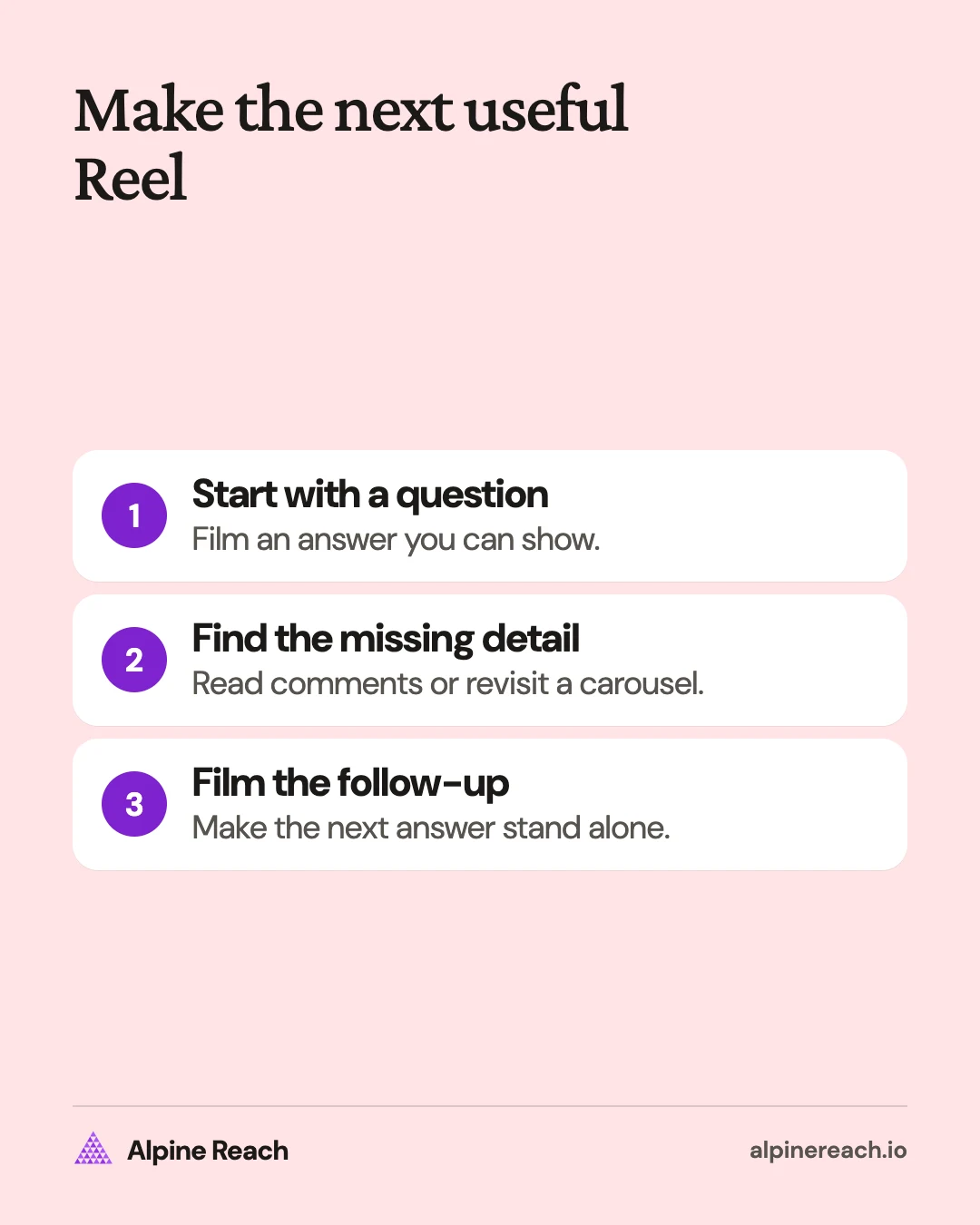
- Build a series: keep the subject recognizable while changing the task. A designer could demonstrate headings, spacing, and image placement in separate practice layouts. Name the subject in each opening instead of relying on “Part two.”
- Make a reply Reel: use a relevant follow-up comment on a public Reel as the next question.1 Instagram's reply sticker includes the commenter's username and profile picture, so inspect what will be visible before sharing.1
- Adapt a carousel: take a comparison from an existing carousel and film the comparison happening. A notebook slide about page layouts becomes footage of each layout in use. Use the carousel planning guide if the original sequence needs work.
Save the original footage with its subject and permissions so you can find it again. Pick a sustainable Instagram posting frequency before turning every follow-up into another deadline.
Check which ideas worked in Instagram Insights
Decide what the Reel should help someone do before checking the numbers. For a tutorial, look for questions that show someone is trying the task. For an offer, keep a separate record of relevant inquiries instead of treating every reaction as buying interest.
As of November 2026, Instagram lists views, watch time, average watch time, and follows among its Reel insights.3 To view insights for a Reel you created on a public account, open the Reels tab on your profile, choose the Reel, then select View insights.3 Our Instagram Insights guide explains access and the metric definitions.
Record the idea, goal, hook, duration, posting date, and results after the same amount of time for each Reel. Compare similar subjects and lengths. A product walkthrough and a studio sound montage serve different purposes, so review them in their own groups.
If an opening leaves people confused, make the next version more direct. If a question repeats, film the missing explanation. Once you have a repeatable subject, use the Instagram posting-time guide to test timing separately. Choose the next idea from what you can explain more clearly.
FAQ
Can I answer a comment with a Reel?
You can reply to a comment on a public Reel with another Reel. The reply displays the comment in a sticker alongside the commenter's username and profile picture.
Can business accounts access Instagram's licensed music library?
Some business accounts and post types have restricted access. Instagram says this library is intended for personal, non-commercial use.
Where can I check how my Reel performed?
For a Reel you created on a public account, select it in your profile's Reels tab and choose View insights. Available metrics include views, watch time, average watch time, and follows.
General information. Platform features, limits and benchmarks change: check the cited page before you rely on a number.
References
- Instagram Help Center. Reply to a comment on your reel with a new reel on Instagram. n.d. View source (accessed Nov 12, 2026).
- Instagram Help Center. Access to the licensed music library on Instagram. n.d. View source (accessed Nov 12, 2026).
- Instagram Help Center. View insights on your Instagram reels. n.d. View source (accessed Nov 12, 2026).